SAVE PRECIOUS TIME EDITING YOUR PODCAST! SUPERCHARGE YOUR WORKFLOW!

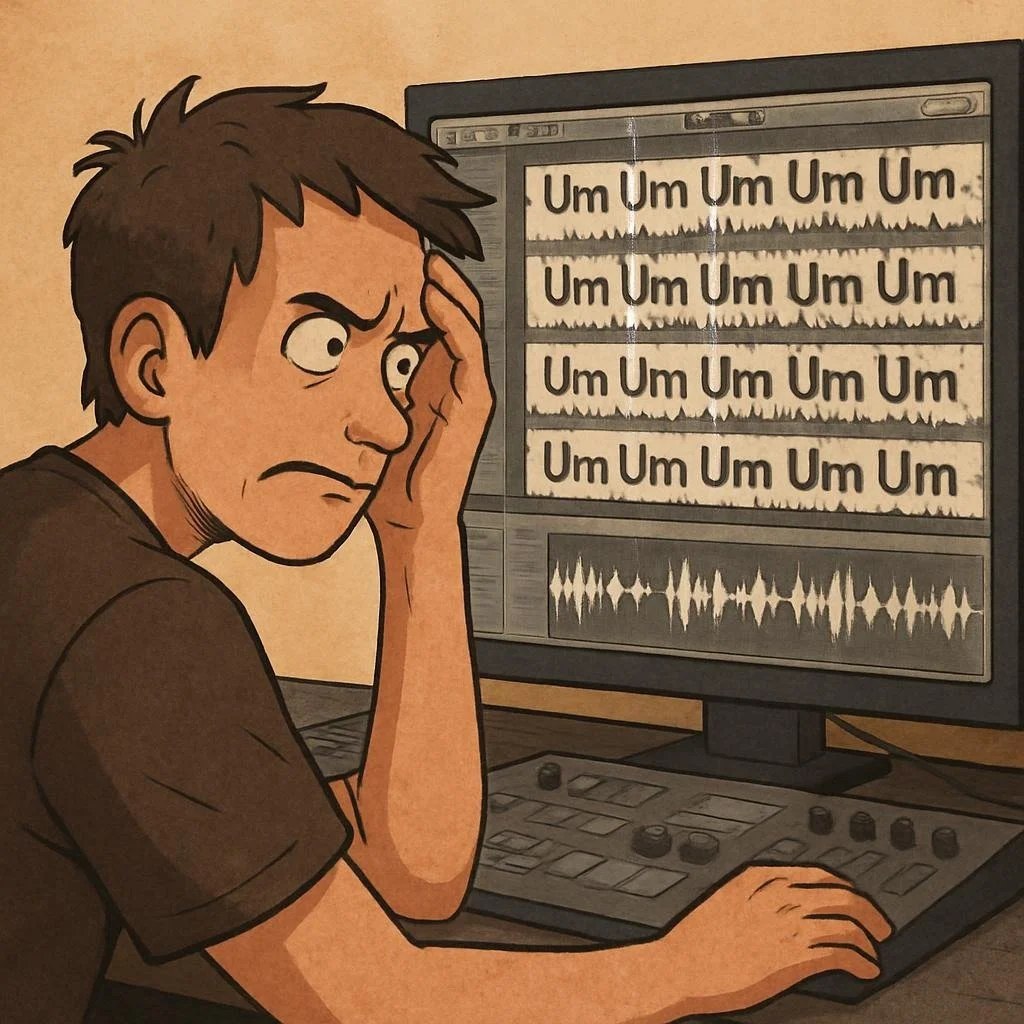
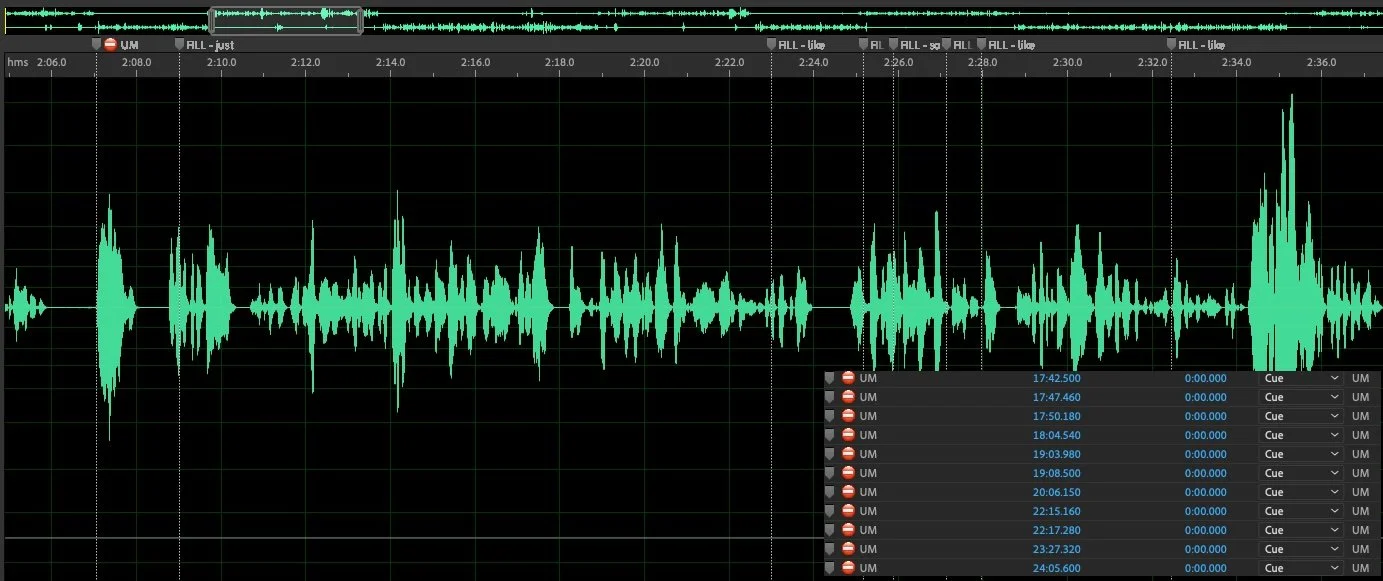
Filler words SUCH AS “UMs” and “Likes,” foul language, and awkward phrases disrupt your podcast’s flow. Use Audiocore Edit Assist to mark these moments directly in your DAW waveform
FILLER WORDS APPEAR DIRECTLY INSIDE YOUR DAW ALONG WITH THE AUDIO!
FOR BEGINNERS AND PROFESSIONALS

Learn about Audiocore Edit Assist



What is Audiocore Edit Assist?
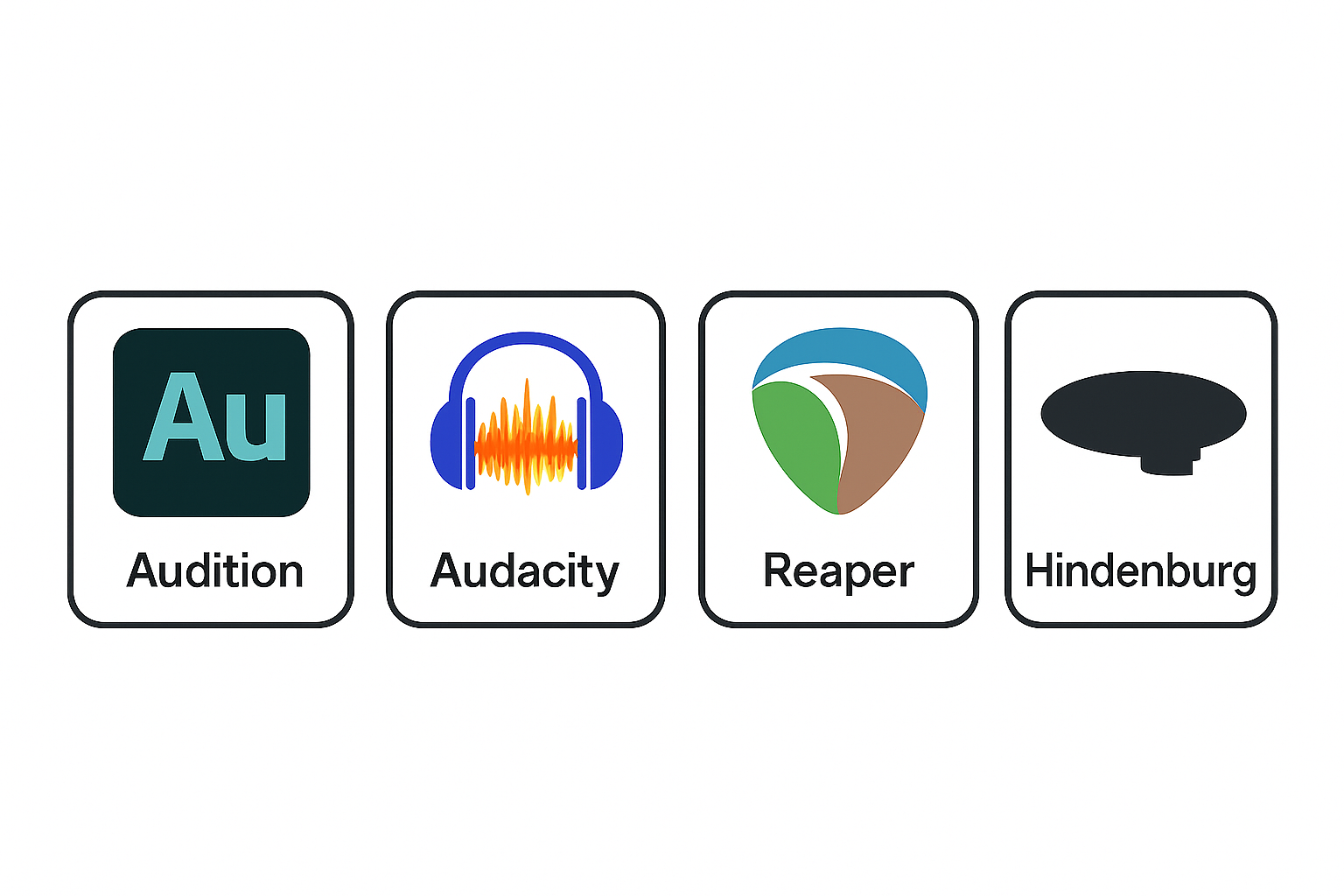
Audiocore Edit Assist by KNVP Studios, helps podcast editors work faster and focus on storytelling. Just send us your raw audio, and we’ll give you a marker file ready for your DAW (Adobe Audition, Audacity, Reaper, or Hindenburg). The markers show where you can cut filler words, bad language, awkward phrases, and repeats. This way, you can jump straight to problem areas and save time. Our algorithm analyzes your audio and creates markers that appear in your editing software alongside the waveform. We usually deliver the marker file within 24 hours, so you can keep your editing smooth and quick.
CURRENTLY, THE ONLY LANGUAGE SUPPORTED IS US ENGLISH
WELCOME PODCAST EDITORS MASTERMIND SHOW LISTENERS!
I had a great conversation with Steve Stewart of the Podcast Editor Academy, on the Podcast Editors Mastermind Show. We discuss the impact of filler words on listener engagement - something we as Podcast Editors take seriously. Listen to the episode below. Steve also discusses using Audiocore Edit Assist and shares his thoughts. Thanks for stopping by! - Tom Hanson, Owner KNVP Studios, inventor of Audiocore Edit Assist.
Impact of Filler Words on Listener Engagement
Filler words (“um,” “uh,” “like,” “you know,” “so,” etc.) have a negative effect on audience engagement, perceived credibility, and retention across spoken content (podcasts, YouTube videos, presentations, etc.)
The Content Creator's Dilemma (And the Fix)
Here is the ultimate paradox of content creation: The social utility of a filler word completely vanishes in a recorded medium. In a live conversation, an "um" keeps your friend from cutting you off. But in a one-way broadcasting format (a podcast episode, a YouTube video, a corporate presentation), your audience cannot interrupt you. Because that social utility is gone, the listener is left experiencing only the cognitive drag, resulting in audience fatigue.
The Workflow Problem: Fully automated "one-click AI removal" tools often clip audio too aggressively, slicing out natural breaths and leaving behind a jarring, robotic track. But hunting down every "um" manually inside a DAW takes hours of tedious, mind-numbing waveform scrubbing.
The Solution: This is exactly why services like Audiocore Edit Assist are a massive cheat code for producers. Instead of letting an unpredictable AI butcher your pacing, you can upload your raw files and get precise, DAW-compatible markers (compatible with Adobe Audition, Audacity, Reaper, or Hindenburg) flagged right over your waveforms within 24 hours.
This approach gives you the best of both worlds:
It protects your narrative pacing and humanity by letting you make the final executive decision on what to cut.
It eliminates listener fatigue and bypasses professional biases by letting you target and purge the worst 60–80% of filler clusters in a fraction of the time.
In real life, filler words protect your turn to speak. In recorded media, they just cause audience fatigue and quietly chip away at your authority. Don't let an AI completely sterilize your voice, but don't waste hours editing manually either—use a targeted marker service like Audiocore to clean up the fluff and keep your audience locked in.

NOISE REDUCTION IS INCLUDED IN THE PROFESSIONAL TIER!
GOT NOISE?
Utilizing the same professional advanced audio tools used by movie and television studios, we can substantially improve or fix your audio, and save it from extraneous noise

We can fix other nasty audio issues that creep into your audio, making interviews recorded in less than ideal situations sound better, bringing the voices up front and making them more understandable for the listener.
We use Izotope RX 12 Advanced, Accentize’s dxRevive Pro and Acon Digital De-Verberate 3 tools
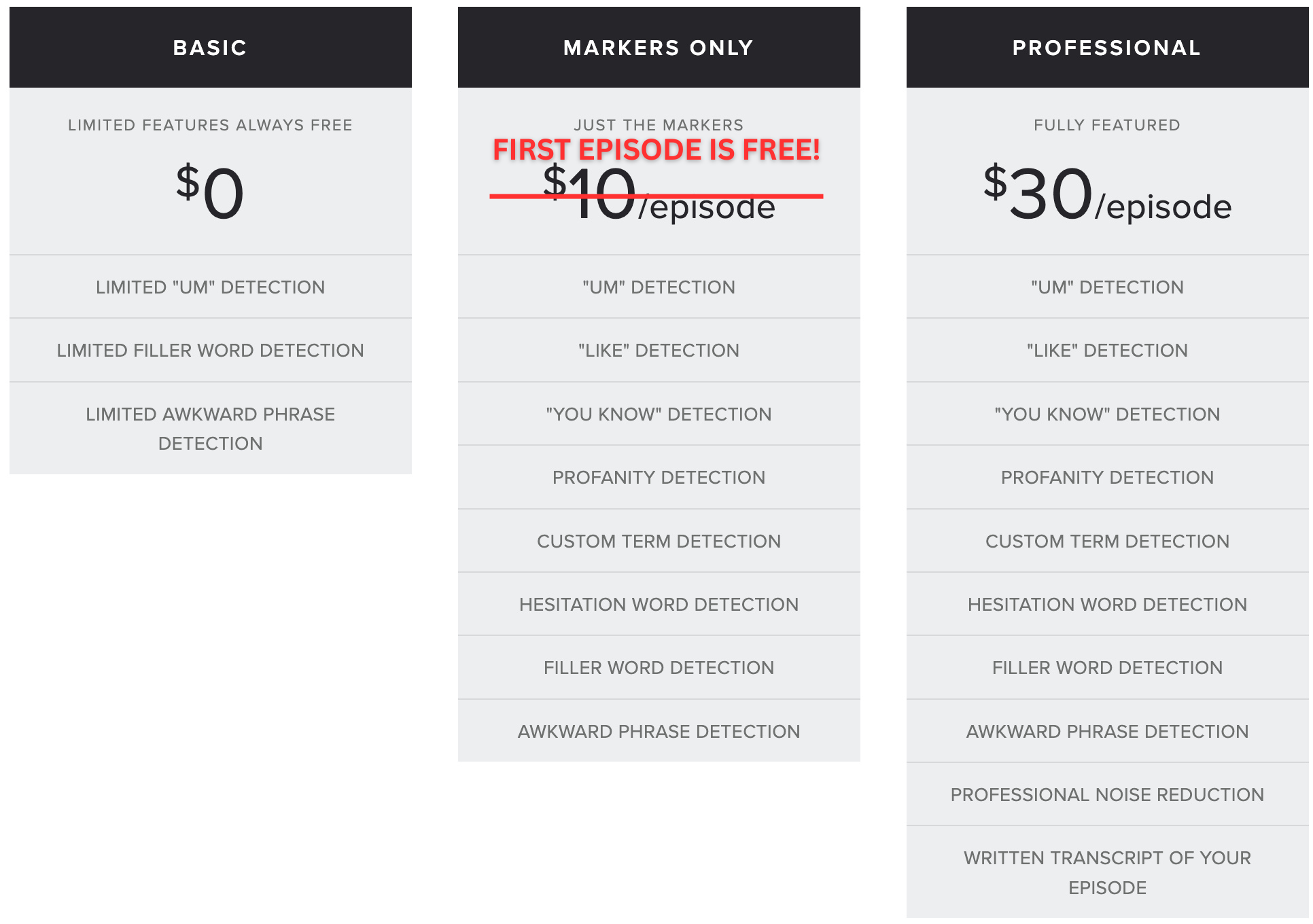
BASIC TIER (LIMITED FEATURES) = $0 / MARKERS ONLY TIER (JUST THE MARKERS) = $10 PER EPISODE / PROFESSIONAL TIER (ALL FEATURES) = $30 PER EPISODE